
Noobs in Combat Campaign Modes, Maps, and Rewards
Noobs in Combat campaign missions challenge squads to capture depots, hold headquarters against enemy waves, and defeat heavy armor across turn-based historical and fictional operations. Beating each scenario awards red stars, gems, and completion nuggets across four distinct difficulty tiers.
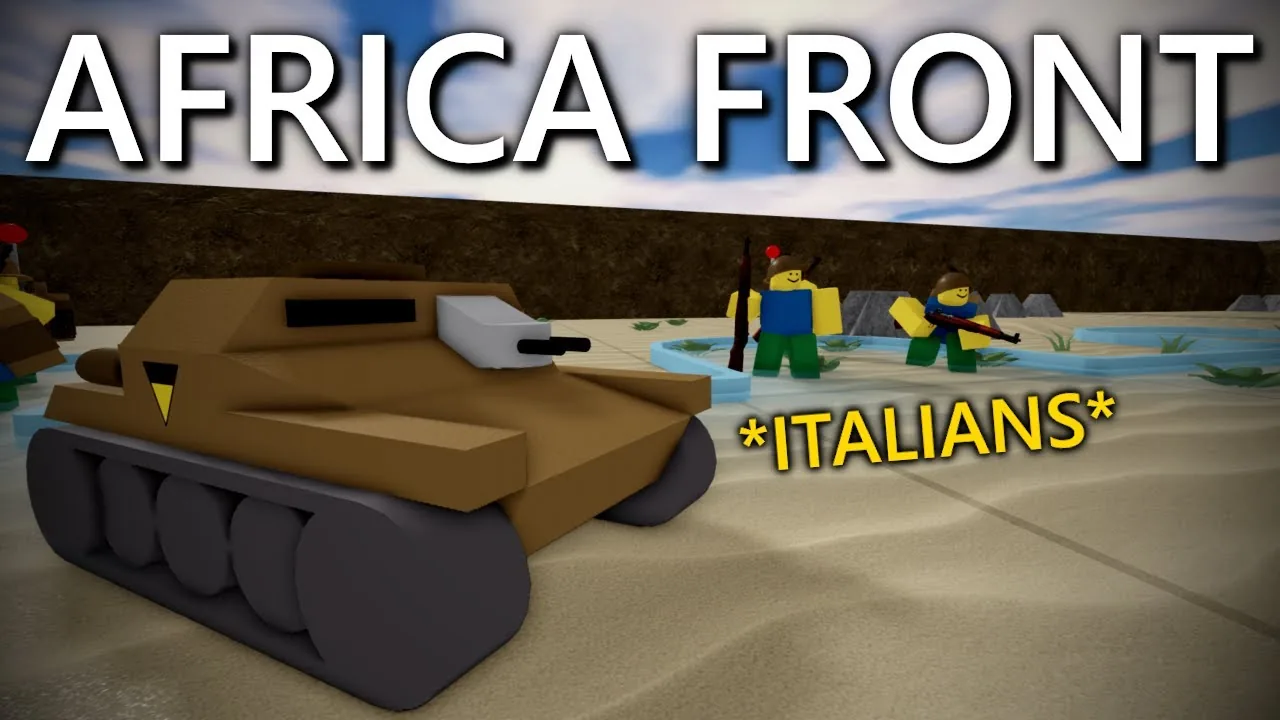
Noobs in Combat campaign missions challenge squads to capture depots, hold headquarters against enemy waves, and defeat heavy armor across turn-based historical and fictional operations. Beating each scenario awards red stars, gems, and completion nuggets across four distinct difficulty tiers.
Campaign Structure and Scenario Difficulties
Campaign play serves as the primary progression route in Noobs in Combat, which is hosted on Roblox by Scuffed developments. Scenarios divide into ten multi-mission operations spanning settings such as Home Madness, Guest Rebellion, African Front, Pacific Front, and Woodland Skirmish. Operations carry specific difficulty ratings ranging from Beginner to Medium, Hard, and Extreme.
Players access these encounters by opening a room through the Create Room menu. Mission rooms support solo play or cooperative matchmaking with allies. Scenarios present three standard operational difficulty settings alongside an advanced community tier:
- Practice Mode: Removes high-risk pressure so players can survey terrain, scout enemy placements, and test unit movement.
- Normal Mode: Standard difficulty with balanced enemy unit counts and standard rewards upon completion.
- Tryhard Mode: High-difficulty setting where enemy forces field advanced variants, fortified emplacements, and aggressive counterattacks.
- Rigged Mode: Advanced operational setting featuring heavy enemy armor density, dense minefields, and elevated combat lethality.
Certain maps enforce special operational boundaries. While standard matches allow commanders to spawn reinforcements from a base headquarters using deployment ticks, several missions operate without an HQ. In no-HQ scenarios, players must complete objectives strictly using pre-deployed starting units, making supply and repair coordination critical.
First-Clear Payouts and Currency Economy
Campaign completions yield three currencies: red stars (also termed red points), gems, and gold nuggets. Collecting developer mail from the main menu grants an immediate starter bundle containing 3 gems, 1 nugget, and 100 red stars. Completing the introductory campaign missions raises player totals to 550 red stars, 85 gems, and 1 nugget.
Red stars unlock base combat units, evolve owned units through the tech tree, expand starter deployment slots, and upgrade starting combat resources like metal. Late-game heavy vehicles require metal reserves to spawn during a match. Gems function as a premium currency used to purchase specific units like the rocket battery and landship, as well as cosmetic skins.
Gold nuggets represent the rarest currency in the game. Each Tryhard map awards exactly 1 nugget upon its first completion. Repeating a cleared campaign map causes resource payouts to deteriorate significantly, and Tryhard nuggets cannot be re-earned on subsequent clears. Across all standard campaign operations, players can collect a natural maximum of 25 nuggets. These nuggets are required to unlock deployment expansions and progress advanced vehicle evolutions.
Objective Types Across Campaign Fronts
Campaign scenarios feature varied win conditions that dictate tactical pacing across turns. Knowing the mission objective prevents wasteful maneuvers and keeps supply vehicles protected.
Depot and Outpost Capture
Standard offensive missions require units to push down road corridors, clear defensive positions, and capture target depots or factories. Moving a ground squad onto an objective tile captures the position, neutralizes enemy reinforcement lines, or secures allied supply depots. Pushing along the western front or seizing installations during operation torch requires combined armor and infantry assaults to clear dug-in field guns before securing flags.
Headquarters Defense
Survival missions place players in static defensive lines tasked with protecting headquarters buildings against inbound waves. Timed defensive objectives require holding ground for fixed turn thresholds:
- Guest Offensive: Hold the city headquarters for 11 turns against waves of guest rifle squads and rocket teams.
- Village Defense: Hold fortified perimeter lines for 14 to 21 turns against mechanized pushes and mortar bombardments.
- Outpost Protection: Guard depot structures for 10 turns while denying armored cars and mechanized infantry access to the main road.
Naval and Combined Arms Operations
Island and coastal scenarios introduce naval support, air units, and landing craft. Encounters across the pacific front deploy destroyers, cargo ships, and carrier-launched aircraft to bombard coastal batteries, sweep naval mines, and escort landing units toward beach depots. Battleships deliver long-range fire support but require radio spotters or scout planes to target objectives beyond their direct visual radius.
Campaign Route and Unit Progression Choices
Selecting which units to purchase and evolve determines how smoothly your squad handles campaign hurdles.
| Progression Option | Tactical Scenario | Resource Investment |
|---|---|---|
| Tankette to battle tank | Cracking open armored formations on the eastern front and busting concrete bunkers | Red stars for tech tree nodes and deploy slots, plus metal reserves |
| Machine Gunners and Anti-Tank Guns | Holding static defensive maps against high-density infantry and vehicle rushes | Red stars to unlock overwatch units and reinforce defensive lines |
| Radio Grunts and Artillery | Bombarding concealed enemy positions and neutralizing entrenched heavy guns | Red stars for grunt upgrades, paired with field guns or rocket units |
Investing red stars into the tankette unlocks the medium tank line, which subsequently unlocks the heavy battle tank. Because armored vehicles punch through heavy field fortifications, securing a reliable tank variant early simplifies offensive scenarios. Pairing armor with machine gunners provides overwatch protection, allowing defensive units to fire automatically on approaching enemies during the opposing turn.
Supply Lines, Terrain, and Unit Survival Mechanics
Managing unit status is mandatory to survive extended multi-turn battles. Units reduced to low health suffer proportional reductions to their damage output, meaning weakened squads deal only a fraction of their standard firepower. Scoring enemy knockouts earns veterancy stars, which permanently boost damage and combat durability.
Resupplying damaged units through horse-drawn supply wagons, supply trucks, or tracked supply carriers restores ammunition, refills fuel, and repairs lost health. Keeping support vehicles tucked behind front-line armor ensures your primary combat units maintain peak damage ratings.
Terrain provides critical defensive concealment across all campaign maps:
- Forests and Bushes: Units positioned in tree tiles remain invisible to enemy forces until an opponent moves directly adjacent or the hidden squad attacks.
- Bunkers and Urban Houses: Fortified positions grant cover against direct cannon hits and small-arms fire, forcing attackers to commit flamethrowers, high-explosive tank shells, or bunker-buster strikes to clear occupants.
- Road Networks: Paved roads grant mobility boosts to wheeled vehicles, scout cars, and transports, but units caught on open roads take increased damage from artillery and ambushes.
- Suppression and Surrender: Sustained fire pins units in place, rendering them unable to maneuver. Units that lose total morale surrender immediately, removing them from combat without requiring players to deplete their remaining health pool.
Next step
Concrete Battleship Guide
Learn effective naval bombardment tactics and deployment setups to clear the Concrete Battleship scenario in the Pacific Front campaign.
Related Guides
Concrete Battleship Guide
Learn effective naval bombardment tactics and deployment setups to clear the Concrete Battleship scenario in the Pacific Front campaign.
Normandy Beaches
Review unit deployments, cargo ship transport logistics, and bunker clearance tactics for the Western Front beach landing mission.